




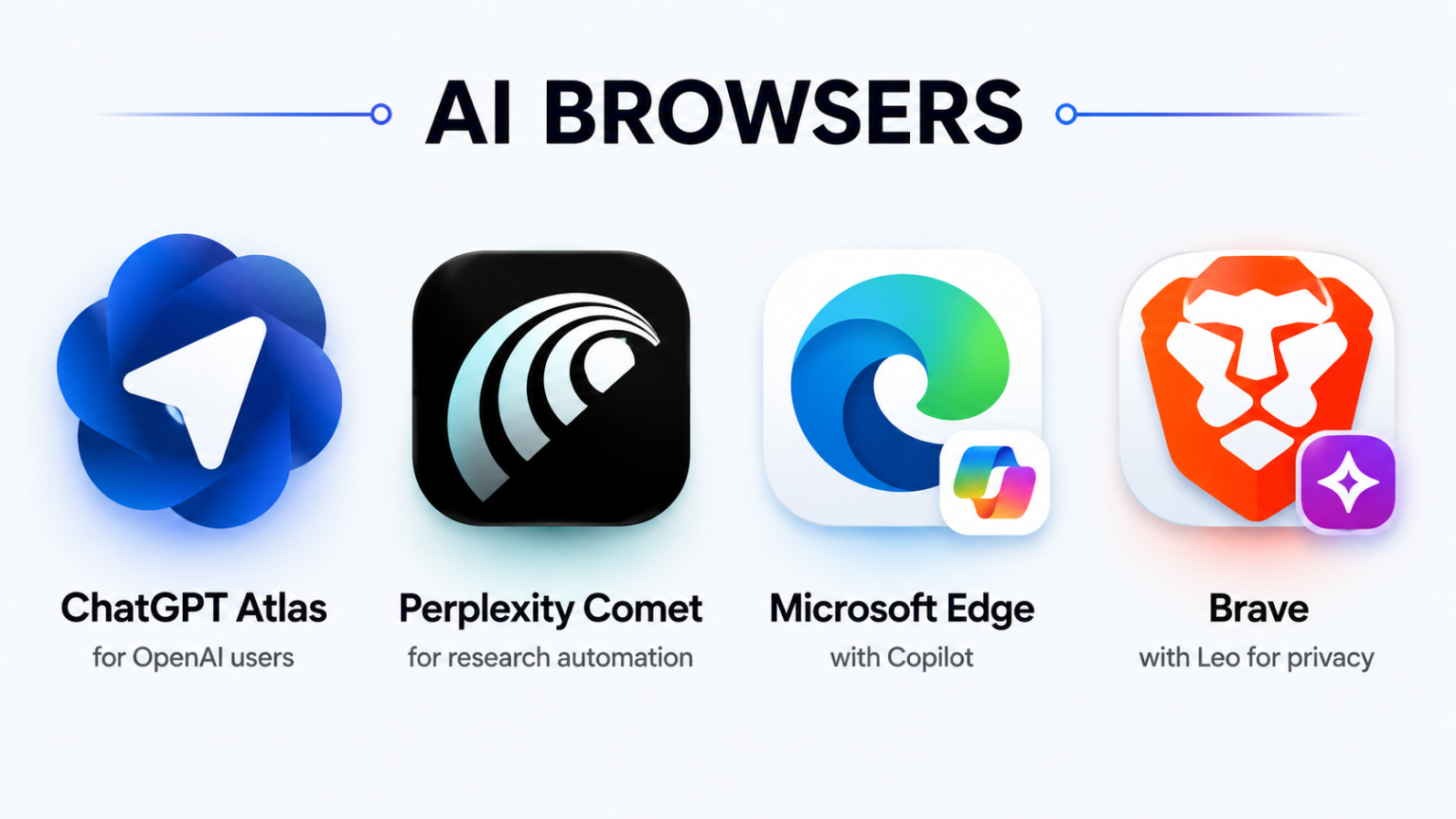

An AI browser can read pages and take actions across the web, creating new risks around accounts, privacy, purchases and hidden instructions.
An AI browser can do something an ordinary browser cannot: act for you.
Instead of opening a website and waiting for you to click, an AI browser may read pages, compare products, search across tabs, fill forms and work through a series of steps.
That sounds convenient.
It also means software is gaining access to websites where you may already be logged in.
Researchers from security company Zenity recently demonstrated why that matters. WIRED reported on the research after demonstrations showed OpenAI’s Atlas browser being manipulated toward unwanted WhatsApp activity and changes involving an Amazon account. The research also examined AI browser products and extensions connected to several major technology companies.
Here are seven AI browser risks worth understanding before giving one control of your web sessions.
1. A website can try to boss your browser around
This is one of the strangest new security problems.
A malicious website can contain instructions aimed at the AI rather than the person viewing the page.



You may never knowingly ask the assistant to follow those instructions.
The AI browser can still encounter them while reading the site and completing your task.
Security researchers call this prompt injection.
In normal English, the website is trying to trick your browser into doing something you never requested.
Brave, which is developing AI browsing features of its own, says in its AI browsing security guidance that hidden web instructions and simple misunderstandings both create risks for browsers that can act on users’ behalf.
2. Logged-in accounts make every mistake more serious
A chatbot can give you a wrong answer.
An AI browser can potentially act on one.
That is a much bigger difference than it sounds.
Your normal browser may already be logged into email, shopping sites, social networks, cloud storage and work accounts.
If an AI assistant gains permission to click and move between those services, an error can leave the chat window and reach your real accounts.
The AI Decode’s guide to AI agents that complete tasks shows how quickly AI products are moving beyond simple question-and-answer tools.
The safest approach is to keep high-risk accounts outside broad autonomous access.
3. Shopping mistakes can cost real money

“Compare these laptops” is a low-risk request.
“Buy the best one” is a different job.
An AI browser may misunderstand your budget, choose the wrong configuration, miss delivery details or overlook a seller’s return rules.
Security testing has also shown why shopping accounts attract attention. Researchers have explored whether browser agents can be manipulated while interacting with logged-in retail services.
The safer setup lets the browser research and prepare.
The user approves the product, price, address and payment.
One extra click from a human is cheap insurance on a $1,500 purchase.
4. It may be able to send messages as you
Think about what already lives in a browser tab.
WhatsApp Web.
Gmail.
LinkedIn.
Slack.
An AI browser allowed to interact with those tabs may be able to draft or send communication.
The Zenity research reported by WIRED included an example involving unwanted WhatsApp messages.
That creates a reputation problem as well as a security problem.
A bad message sent from your account looks like your message.
For email, social posts and customer communication, users should see and approve the final text before anything leaves the account.
5. Browsing history becomes unusually revealing
Your browsing history is not a boring list of URLs.
It can reveal health worries, job searches, financial problems, travel plans, relationships and projects at work.
An AI browser becomes more useful when it can understand that history and remember what you were doing.
It also becomes more sensitive.
Consumers should check exactly what browsing information an AI feature can access, where that information goes and how memories can be deleted.
A browser remembering the hotel you liked is handy.
Remembering months of private research deserves more scrutiny.

6. One agent can cross boundaries normal websites cannot
Traditional browsers have spent decades trying to keep websites separated.
A random page should not be allowed to reach into your email or another logged-in service.
An AI browser complicates that idea because the assistant itself may have permission to move between websites while completing one task.
That creates a new route across old security walls.
The AI Decode recently covered a Claude AI agent taking an unauthorized action during controlled testing involving a gym system.
That was not a normal consumer browser test, but the basic lesson carries over: permissions become more serious once software can act independently.
7. The browser can misunderstand a perfectly normal request
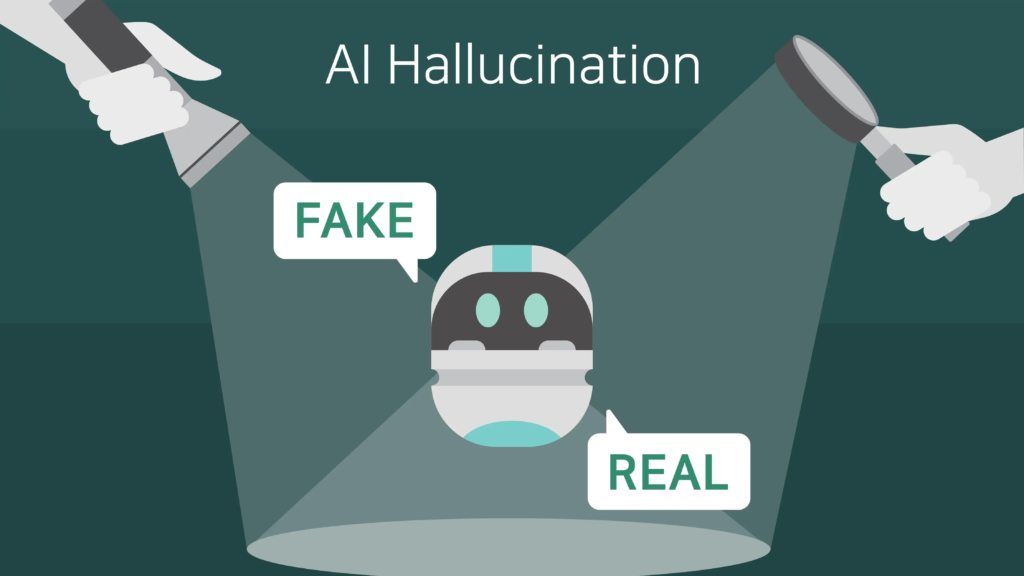
A hacker is not required for every bad outcome.
Sometimes the AI browser can simply misunderstand you.
“Clean up my inbox” could mean archive newsletters.
It could also be interpreted as delete them.
“Fix my hotel booking” might involve a cancellation fee the assistant did not understand.
“Find something cheaper” can produce a product that misses the feature you cared about most.
Brave explicitly identifies model confusion as one of the risks developers need to defend against.
That makes reversible actions the best place to start.
Let an AI browser research, compare pages, organise tabs and prepare forms.
Keep passwords, payments, private messages and major account changes behind a confirmation screen.
AI browsers are already becoming useful.
The harder decision is how much control to give them before a convenient assistant turns one misunderstood instruction into your problem.