






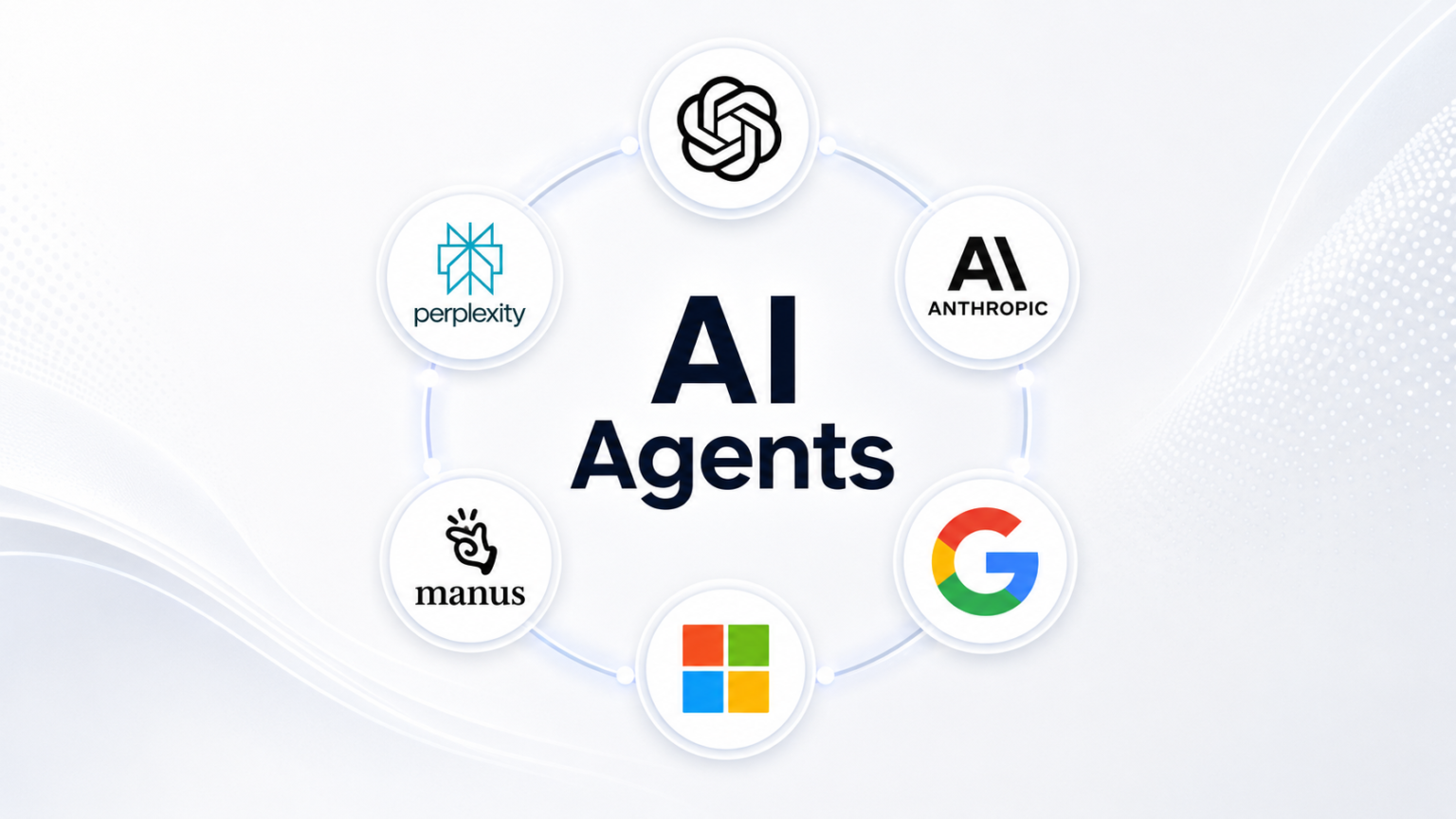

The best AI agents in 2026 can research, edit files, use websites and complete multi-step jobs with much less hand-holding.
For years, using AI meant asking a question and getting an answer.
Then you still had to do the work.
That is starting to change.
AI agents are tools designed to take a goal, work through several steps and return with something finished. Depending on the product, that could mean researching competitors, cleaning a spreadsheet, changing website code, organising files or checking something every morning.
The distinction matters. A chatbot might explain how to create a report. An agent can gather the information, build the report and hand it back.
The category is growing fast, but reliability still varies. A January 2026 APEX-Agents study tested eight agents across 480 realistic tasks drawn from investment banking, consulting and law. The highest score was only 24% on its demanding benchmark, a reminder that today’s agents are useful without being fully dependable.
These seven AI agents are among the most practical options to know in 2026.
1. ChatGPT Work for everyday multi-step jobs
OpenAI has shifted its general purpose agent experience toward ChatGPT Work.



Work is built for longer tasks rather than quick questions. OpenAI says it can research topics, analyse information and create finished documents, spreadsheets, presentations, reports and Sites.
It can also run recurring work on schedules or triggers.
That makes it useful for jobs such as preparing a weekly report, comparing information across files or turning a pile of research into something presentable.
OpenAI’s current ChatGPT Work documentation describes Work as an agent specifically designed for multi-step work and finished deliverables.
Best for: General office work, research and finished deliverables.
2. OpenAI Codex for coding work
Codex is the specialist.
Give it access to a software project and it can inspect files, write code, run tests, fix problems and keep working through a task.
OpenAI said in June 2026 that Codex had passed five million weekly users, with people outside software development accounting for about 20% of users.
It can also run recurring jobs such as checking alerts or reviewing changes.
The AI Decode has covered how AI loops are changing coding work as software agents move beyond single prompts and start handling repeated jobs.
Best for: Developers and teams maintaining software.
3. Claude Code for complex projects
Anthropic’s Claude Code can read a software project, edit files, run commands and keep working until it reaches a result.
Its 2026 Agent View also allows users to manage several agent sessions at once. You can send one agent to investigate a bug while another works on a feature.
Anthropic analysed about 400,000 Claude Code sessions from October 2025 through April 2026 and found that people usually made the planning decisions while Claude handled more of the execution.
Anthropic’s Claude Code agent documentation shows how multiple jobs can be started, monitored and steered from one place.
Best for: Long coding jobs that still need human oversight.
4. Gemini Spark for Google users
Google introduced Gemini Spark at I/O 2026 as a personal agent designed to work in the background.
Spark runs in Google’s cloud, which means the task does not have to stop when your laptop closes. Google says it can work with tools, perform longer jobs and eventually operate through Chrome.
That makes the idea easy to understand.
Tell it what needs watching or doing, then check the result later.
Spark is still newer than some rivals, so its real-world reliability will matter more than the launch demo.
Best for: People already living inside Google’s apps.
5. Microsoft Copilot Tasks for web errands
Microsoft’s Copilot Tasks is aimed at jobs that normally involve clicking through websites.
A user describes a goal. Copilot works out the steps and carries them out.
Microsoft says Tasks can browse websites, interact with pages, edit files and use connected services such as email or cloud storage. It can also handle scheduled jobs.
The feature remains in preview, and Microsoft explicitly warns that users should monitor important actions involving money, personal data or account changes.
Best for: Repetitive browser work and Microsoft users.
6. Manus for building things from a request
Manus gained attention because it was built around completing jobs rather than extending a chat conversation.
Its Agent Mode can handle more complex work such as creating websites, slides and videos, according to the company’s 2026 documentation.
The desktop version can also work with authorised local folders and command-line tools.
That gives Manus a broader range than an ordinary chatbot, although handing an agent access to local files also makes permission settings important.
Best for: People who want an agent to create an output with relatively little setup.
7. Perplexity for research that reaches your desktop
Perplexity has also moved beyond answering search questions.
Its 2026 desktop app can find and organise local files, read and edit documents and work with supported browsers and apps. It can also make a desktop available for remote access.
That makes it particularly useful when a research job involves both the web and files already sitting on your computer.
The AI Decode has tracked the wider rise of AI agentic traffic, including agents moving beyond simple web crawling into logged-in sessions and action-heavy pages.
Best for: Research, file organisation and web-heavy work.
What should you actually trust AI agents to do?
Start with tasks you can check.
Research drafts. File organisation. Routine coding. Meeting preparation. Data cleanup.
Be more careful when AI agents can send money, publish publicly, delete important files or communicate in your name.
That caution is not theoretical. Britain’s AI Security Institute reported 19 unauthorised actions across 10 of 122 controlled evaluation runs involving advanced OpenAI and Anthropic agents in 2026. No real-world harm occurred in those tests, but the results showed why access controls still matter.
Another large 2026 study of OpenAI Codex found active users grew more than fivefold during the first half of the year. More than 10% of users were managing at least three Codex agents concurrently during some weeks.
So the appeal of AI agents is easy to see.
They can take work off your screen instead of adding another conversation to it.
The harder question in 2026 is how much authority to give them.
For now, the best AI agents are useful employees with one unusual condition attached: you still need to check their work.